

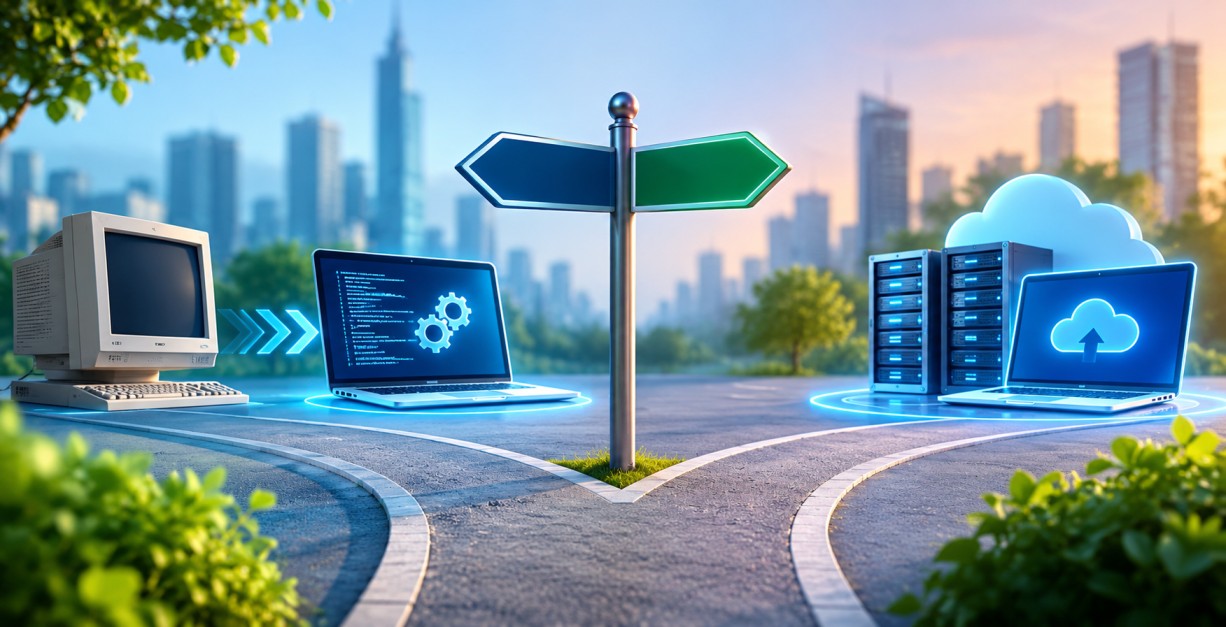
Many organizations are running business-critical applications that were built years, or even decades, ago. These systems often support core operations, customer data, financial processes, supply chains, and regulatory requirements. While they continue to deliver value, they may also create challenges related to scalability, security, integration, maintenance costs, and innovation.
As digital transformation initiatives accelerate, technology leaders face a fundamental decision: should they modernize existing systems or replace them entirely?
The legacy modernization vs. replacement debate has no universal answer. The right approach depends on business objectives, technical debt, operational risk, budget constraints, regulatory requirements, and future growth plans.
This article examines both strategies in depth, comparing costs, risks, benefits, and implementation considerations to help enterprise decision-makers choose the most appropriate path forward.
Understanding Legacy Systems
A legacy system is an application, platform, database, or infrastructure component that remains operational but no longer aligns effectively with modern business or technology requirements.
Legacy systems often exhibit one or more of the following characteristics:
- Built on outdated technologies
- Difficult to integrate with modern platforms
- High maintenance costs
- Limited scalability
- Security and compliance challenges
- Dependence on aging hardware
- Lack of vendor support
- Limited availability of specialized technical skills
Importantly, legacy does not necessarily mean broken. Many legacy systems still perform critical functions reliably. The challenge arises when business requirements evolve faster than the underlying technology can support.
What Is Legacy Application Modernization?
Legacy application modernization involves improving, upgrading, or transforming an existing application without completely replacing it.
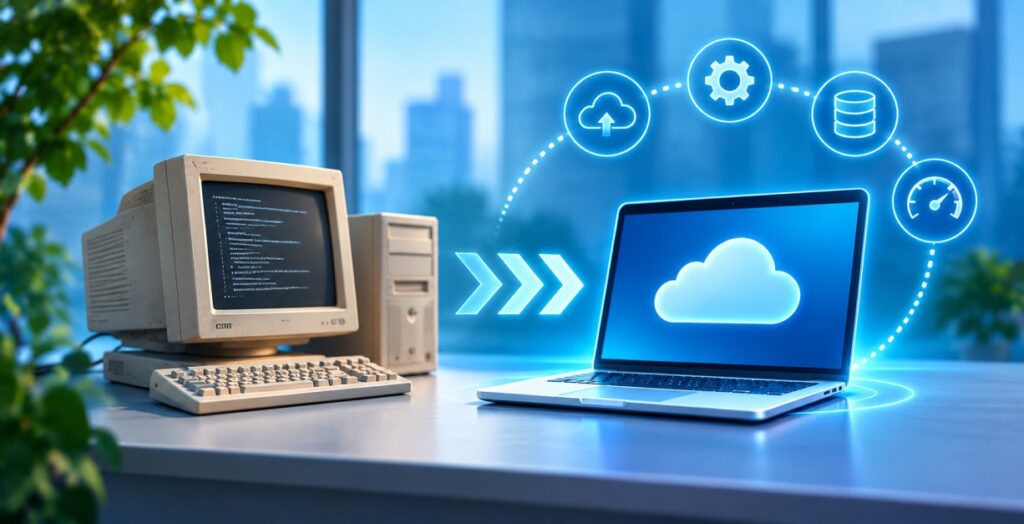
Rather than discarding the existing system, organizations preserve valuable business logic while introducing modern architectures, technologies, and integrations.
Common modernization approaches include:
Rehosting (Lift-and-Shift)
Applications are moved to cloud infrastructure with minimal code changes.
Example:
- Migrating an on-premises application to Microsoft Azure or AWS.
Replatforming
The application remains largely unchanged while underlying platforms or databases are upgraded.
Example:
- Moving a system from an older database version to a modern managed database service.
Refactoring
Parts of the application code are redesigned to improve maintainability and scalability.
Example:
- Converting monolithic components into microservices.
Re-architecting
Applications are redesigned to support modern business requirements.
Example:
- Transforming a legacy ERP extension into a cloud-native service.
API Enablement
Organizations expose legacy functionality through modern APIs.
This allows older systems to work with newer digital channels and applications.
What Is System Replacement?
System replacement involves retiring an existing legacy application and implementing a new platform.
The replacement may involve:
- Commercial off-the-shelf software (COTS)
- SaaS applications
- Industry-specific platforms
- Custom-developed enterprise solutions
- Cloud-native enterprise systems
Examples include:
- Replacing a legacy CRM with Salesforce
- Replacing an on-premises ERP with Oracle Cloud ERP
- Implementing a new customer service platform instead of upgrading an outdated call center application
System replacement is usually broader than modernization because it often includes process redesign, data migration, user training, and operational transformation.
Legacy Modernization vs. Replacement: Key Differences
| Factor | Legacy Modernization | System Replacement |
| Existing System | Retained and improved | Retired and replaced |
| Business Logic | Preserved | Often redesigned |
| Disruption | Lower | Higher |
| Initial Cost | Usually lower | Usually higher |
| Time to Value | Faster in many cases | Longer implementation cycles |
| Risk Level | Moderate | Higher transformational risk |
| Integration | Gradual | Requires complete integration planning |
| User Adoption | Less disruptive | Significant change management needed |
| Scalability | Depends on modernization scope | Often designed for modern scale |
| Innovation Potential | Incremental | Potentially transformational |
When Legacy Modernization Makes Sense
Modernization is often the preferred option when the existing system still provides business value and there is no compelling reason to replace it.
1. Core Business Logic Remains Valuable
Many enterprise applications contain years of industry-specific rules and operational knowledge.
Replacing these systems may require rebuilding highly customized functionality.
Modernization allows organizations to preserve proven capabilities while improving performance and flexibility.
2. The System Still Meets Most Business Needs
If the application satisfies most requirements but suffers from technical limitations, modernization can address gaps cost-effectively.
Examples:
- Mobile access
- API integrations
- Cloud deployment
- Enhanced reporting
3. High Replacement Risk
Certain industries cannot tolerate significant operational disruptions.
Examples include:
- Banking
- Healthcare
- Government
- Manufacturing
- Utilities
For such environments, incremental modernization may present less risk than a large-scale replacement project.
4. Regulatory Constraints
Highly regulated organizations often operate systems that support validated processes and compliance controls.
Replacing an entire system may require extensive re-certification and audit procedures.
Benefits of Legacy System Modernization
Reduced Business Disruption
Operations continue with fewer interruptions while updates are introduced incrementally.
Lower Initial Investment
Organizations avoid the upfront costs associated with complete replacement.
Faster Delivery Cycles
Targeted modernization projects can often be phased and prioritized based on business needs.
Preservation of Institutional Knowledge
Existing business rules, workflows, and data structures remain intact.
Improved Integration
API development and cloud integration make legacy environments more adaptable.
Gradual Transformation
Organizations can modernize according to budget and operational priorities.
Limitations of Legacy Modernization
Despite its benefits, modernization is not always the right choice.
Challenges include:
Technical Debt Remains
Some underlying architectural limitations may persist.
Complexity Increases
Hybrid environments combining old and new technologies can become difficult to manage.
Short-Term Optimization
Modernization may extend system life without addressing deeper strategic limitations.
Skills Availability
Finding specialists familiar with aging platforms can become increasingly difficult.
When System Replacement Makes More Sense
Complete replacement becomes attractive when the existing platform fundamentally restricts business growth.
1. The System Has Reached End of Life
If vendor support has ended or critical security updates are unavailable, replacement may be unavoidable.
Organizations should consider vendor lifecycle policies when evaluating future risks.
2. Business Requirements Have Changed Significantly
Mergers, acquisitions, global expansion, or new service models may outgrow legacy capabilities.
In such cases, a modern platform can support future operating models more effectively.
3. Maintenance Costs Continue to Rise
Organizations often spend substantial resources maintaining outdated applications, infrastructure, and custom integrations.
When maintenance costs consume innovation budgets, replacement becomes a strategic consideration.
4. Security Risks Are Difficult to Address
Older architectures may not support modern identity management, encryption, monitoring, or zero-trust approaches.
Security modernization can eventually become more expensive than replacement.
5. Major Process Transformation Is Required
Organizations redesigning core business functions may find replacement more practical than adapting outdated platforms.
Benefits of System Replacement
Modern Architecture
New platforms are typically designed for cloud, API-first integration, automation, and scalability.
Improved User Experience
Modern applications provide more intuitive workflows, self-service capabilities, and mobile support.
Stronger Vendor Support
Organizations gain access to ongoing product updates, enhancements, and security improvements.
Greater Innovation Opportunities
AI, analytics, automation, and modern integration capabilities are often easier to implement on new platforms.
Long-Term Strategic Alignment
Replacement can position technology infrastructure for future growth.
Risks and Challenges of System Replacement
Higher Upfront Costs
Replacement projects often involve:
- Software licensing
- Migration services
- Integration work
- Change management
- Employee training
Data Migration Complexity
Historical data must be accurately migrated and validated.
Poor data quality frequently becomes a major obstacle.
Change Resistance
Employees may struggle with new processes and systems.
Longer Implementation Timelines
Enterprise replacements often require extensive planning, testing, and phased deployment.
Business Disruption Risk
Poorly managed transitions can affect operations, customer service, and compliance.
Cost Considerations: Modernize vs. Replace Legacy Systems
Technology leaders should evaluate total cost of ownership (TCO), not just project costs.
| Cost Area | Modernization | Replacement |
| Initial Investment | Lower | Higher |
| Infrastructure Changes | Moderate | Significant |
| Training Requirements | Low to Moderate | Moderate to High |
| Data Migration Costs | Limited | Significant |
| Change Management | Lower | Higher |
| Long-Term Maintenance | Depends on legacy components | Usually more predictable |
| Scalability Investment | Incremental | Built into platform design |
The least expensive option upfront is not always the most economical over a five-to-ten-year planning horizon.
Building an Effective Legacy System Migration Strategy
Whether modernizing or replacing, organizations need a structured decision framework.
Step 1: Assess Current Systems
Evaluate:
- Business criticality
- Technical architecture
- Supportability
- Security posture
- Integration requirements
- Performance limitations
Step 2: Identify Business Objectives
Determine what the organization is trying to achieve.
Examples:
- Faster product delivery
- Cloud adoption
- Regulatory compliance
- AI readiness
- Cost optimization
- Improved customer experience
Technology decisions should support measurable business goals.
Step 3: Analyze Technical Debt
Document:
- Obsolete software
- Unsupported components
- Manual processes
- Integration bottlenecks
- Infrastructure dependencies
Step 4: Evaluate Risk Tolerance
Organizations with low disruption tolerance may favor phased modernization.
Organizations undergoing major transformation may benefit from replacement.
Step 5: Develop a Target-State Architecture
Enterprise architects should define:
- Cloud strategy
- Application architecture
- Data strategy
- Security framework
- Integration model
Step 6: Create a Phased Roadmap
Avoid attempting large-scale transformations without clear milestones.
Phased delivery reduces operational risk and improves governance.
Enterprise System Modernization Considerations
A successful enterprise system modernization initiative requires more than technology upgrades.
Security and Compliance
Organizations should ensure modernization efforts align with recognized security and governance frameworks.
Examples include:
- NIST Cybersecurity Framework
- ISO 27001
- Industry-specific regulations
Source: Cybersecurity Framework and SP 800 Series guidance.
Data Governance
Data quality problems become amplified during transformation initiatives.
Organizations should establish:
- Data ownership
- Data classification
- Retention policies
- Migration validation procedures
Integration Requirements
Modern applications must work effectively across:
- ERP platforms
- CRM systems
- Analytics tools
- Cloud services
- Third-party partners
Organizational Readiness
Technology alone does not guarantee success.
Leadership alignment, stakeholder engagement, and user adoption planning are equally important.
Common Mistakes Organizations Make
Replacing Systems Too Quickly
Organizations sometimes replace applications before understanding existing business processes.
This can result in expensive customization and adoption challenges.
Modernizing Everything
Not every application deserves modernization investment.
Some systems should be retired.
Ignoring Data Quality
Poor data causes migration failures more often than technology issues.
Underestimating Change Management
User adoption should be treated as a strategic project workstream.
Focusing Only on Cost
Technology decisions should consider business agility, customer experience, compliance, resilience, and growth.
Industry Examples
Financial Services
Banks often modernize transaction systems incrementally because business continuity requirements are extremely high.
Manufacturing
Manufacturers frequently modernize production-related systems while replacing customer-facing platforms.
Healthcare
Healthcare organizations often adopt phased modernization approaches to protect clinical operations and regulatory compliance.
Retail
Retailers commonly replace legacy commerce platforms to improve omnichannel customer experiences while modernizing back-office systems gradually.
The debate around legacy modernization vs. replacement is not about choosing the newest technology. It is about selecting the approach that best supports business goals, operational requirements, risk tolerance, and future growth.
Modernization is often appropriate when existing systems continue to deliver value and can be enhanced through cloud adoption, integration, API enablement, or architectural improvements. Replacement becomes more compelling when technical limitations, security concerns, maintenance burdens, or changing business requirements fundamentally restrict progress.
Before committing to either path, organizations should conduct a comprehensive assessment of application portfolios, business processes, data quality, security requirements, and long-term strategic objectives.
A structured roadmap, supported by experienced modernization and transformation specialists such as ParamInfo, can help enterprises make informed decisions and reduce transformation risk while building a technology foundation that supports future innovation.
Frequently Asked Questions
1. What is the difference between legacy modernization and system replacement?
Legacy modernization improves existing applications while preserving significant portions of the current environment. System replacement retires the old platform and introduces a new solution.
2. Is legacy application modernization cheaper than replacement?
In many cases, modernization has lower initial costs. However, organizations should evaluate long-term total cost of ownership rather than focusing solely on upfront spending.
3. When should a company replace a legacy system?
Replacement should be considered when systems have reached end-of-life, create major security concerns, no longer support business requirements, or become too expensive to maintain.
4. Can organizations combine modernization and replacement strategies?
Yes. Many enterprises adopt a hybrid approach by modernizing certain applications while replacing others based on business value, risk, and strategic importance.
5. What are the biggest risks during legacy system transformation?
Common risks include poor data quality, inadequate change management, insufficient stakeholder involvement, integration challenges, and unclear business objectives.
6. How does cloud migration fit into modernization?
Cloud migration is often a core component of modernization initiatives. Organizations may rehost, replatform, or refactor applications to improve scalability, resilience, and operational flexibility.
7. How long does enterprise system modernization take?
Timelines vary considerably depending on application complexity, integration requirements, organizational readiness, and project scope. There is no universally applicable duration.
8. What role does technical debt play in modernization decisions?
Technical debt represents accumulated technology limitations that increase maintenance effort and reduce agility. Assessing technical debt helps organizations determine whether modernization or replacement delivers better long-term value.
