

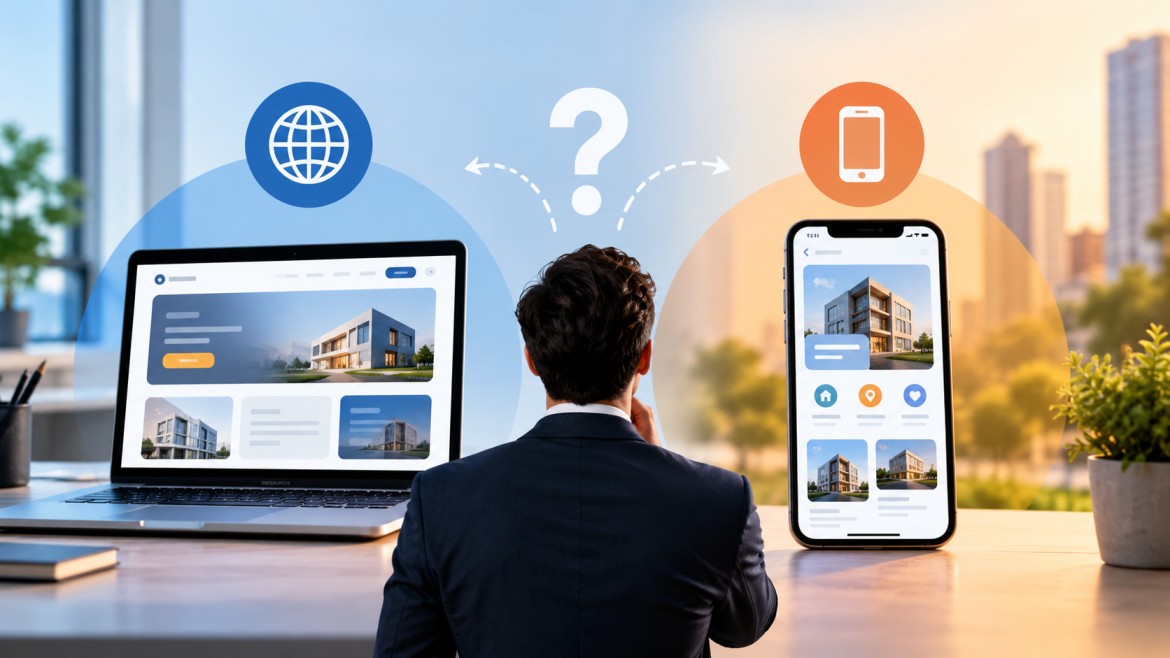
Businesses today need more than just a website to deliver digital experiences. Customers expect fast access to products, services, accounts, support, and business information across multiple devices.
This is where web applications and mobile applications come into the picture.
But choosing between the two is not always straightforward. Web application vs mobile application is a key decision for businesses planning their digital strategy.
Should your business build a web application that customers can access through a browser? Should you invest in a dedicated mobile application? Or would a combination of both provide the best experience?
The right choice depends on your customers, business objectives, functionality, budget, and long-term digital strategy.
In this guide, we compare web application vs mobile application, explain their advantages and limitations, and help you determine which solution may be right for your business.
What Is a Web Application?
A web application is a software application that users access through a web browser.
Unlike a traditional website, a web application allows users to interact with data, complete tasks, manage accounts, make transactions, or use specific business functions.
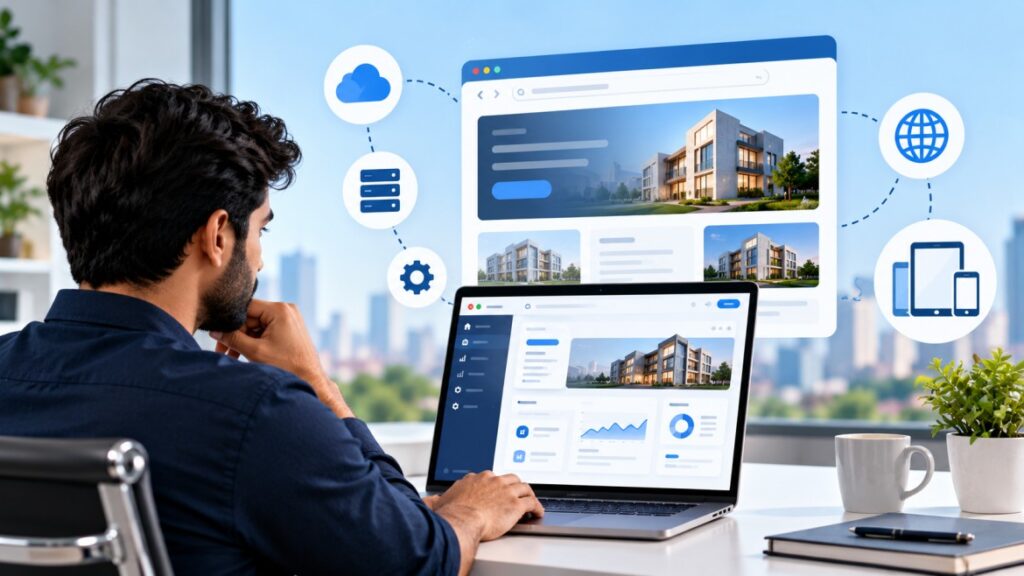
Examples include:
- Online banking platforms
- Customer portals
- Project management systems
- Online booking platforms
- E-commerce applications
- Employee management portals
- CRM platforms
- Business dashboards
Users generally do not need to download a web application from an app store. They can access it through a supported browser and internet connection.
For businesses that need broad accessibility across desktops, laptops, tablets, and mobile devices, web applications can be a practical solution.
What Is a Mobile Application?
A mobile application is software specifically designed for mobile devices such as smartphones and tablets.
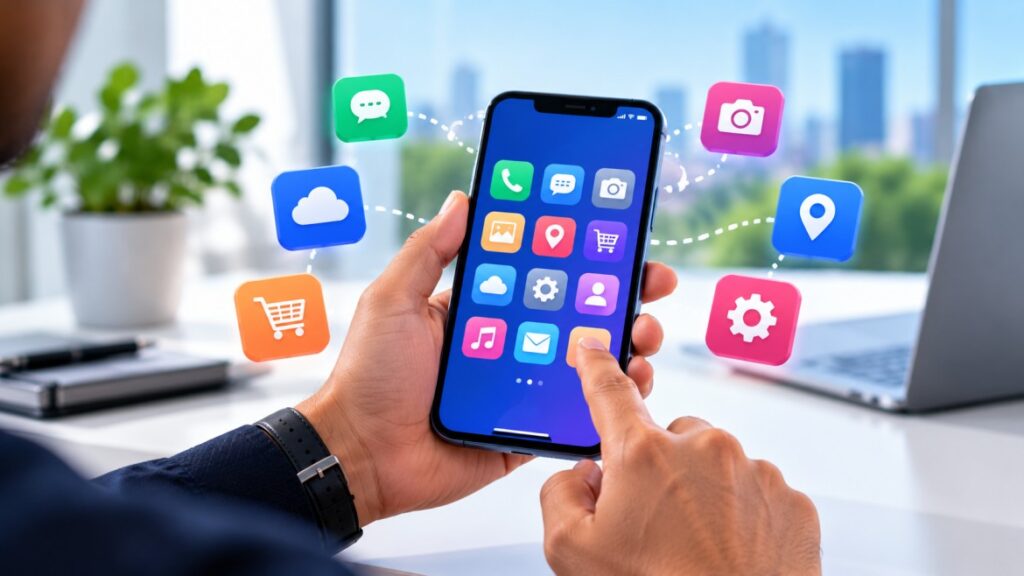
Mobile apps can be developed for platforms such as Android and iOS and can provide experiences designed specifically around mobile usage.
Examples include:
- Banking apps
- Food delivery apps
- Retail apps
- Fitness applications
- Travel applications
- Healthcare apps
- Employee productivity apps
- Customer loyalty apps
Mobile applications can also use device capabilities such as notifications, camera access, GPS, biometrics, contacts, and other hardware or operating-system features, depending on permissions and platform capabilities.
ParamInfo product development offering includes mobile application development, web application development, enterprise applications, and UX/UI design, allowing businesses to consider application development as part of a broader product strategy.
Web Application vs Mobile Application: Key Differences
Although both solutions can deliver powerful digital experiences, they differ in how they are built, accessed, maintained, and used.
| Factor | Web Application | Mobile Application |
| Access | Web browser | Mobile device |
| Installation | Usually not required | Usually required |
| Platforms | Multiple devices through browsers | Android, iOS, or both |
| Updates | Usually deployed centrally | App updates may be required |
| Device features | More limited | Greater access to native device capabilities |
| Accessibility | Broad | Primarily mobile-focused |
| Offline capability | Depends on architecture | Can support offline functionality |
| Notifications | More limited depending on implementation | Strong support for push notifications |
| Development | Often simpler cross-device deployment | Platform-specific considerations |
| Best suited for | Broad access and browser-based workflows | Mobile-first experiences and frequent engagement |
The right choice should therefore be based on the problem you are trying to solve rather than simply choosing the technology that appears more popular.
Advantages of Web Applications

1. Accessible Across Devices
One of the biggest advantages of a web application is accessibility.
Users can access the application through a browser without necessarily installing a separate application.
This can be especially useful for businesses serving customers who use different devices.
For example, an enterprise portal may need to be accessible from:
- Office computers
- Personal laptops
- Tablets
- Smartphones
A responsive web application can provide access across these environments.
2. Easier Deployment
With a web application, updates can generally be deployed centrally.
When the development team releases a new version, users can typically access the updated experience through the browser without manually downloading a new application.
This can simplify maintenance and deployment.
3. Broad Customer Reach
A web application can make it easier to reach users who do not want to install an application.
This is particularly useful for businesses where customers may only interact with the service occasionally.
For example, someone booking a service once every few months may prefer accessing a browser-based platform rather than installing another application.
4. Useful for Business Portals
Web applications can be particularly effective for complex business workflows.
They can support:
- Dashboards
- Data management
- Reporting
- Administration
- CRM workflows
- Employee portals
- Inventory management
- Enterprise applications
For organizations where employees spend significant time working from desktops or laptops, a web application may provide a more suitable interface.
Advantages of Mobile Applications
1. Better Mobile-Focused Experiences
Mobile applications are designed specifically for smartphones and tablets.
This allows businesses to optimize navigation, interactions, layouts, and features around mobile users.
For customer-facing businesses where smartphones are the primary interaction channel, this can be a major advantage.
2. Push Notifications
Mobile applications can support push notifications, making it easier for businesses to communicate with users.
Notifications can be useful for:
- Order updates
- Appointment reminders
- Promotions
- Payment notifications
- Account alerts
- New content
- Service updates
However, businesses should use notifications carefully. Too many irrelevant notifications can negatively affect the user experience.
3. Access to Device Capabilities
Mobile apps can take advantage of device capabilities when the operating system and user permissions allow it.
Examples include:
- Camera
- GPS
- Biometrics
- Bluetooth
- Contacts
- Notifications
- Device sensors
This can create experiences that are difficult to replicate through a standard browser.
4. Stronger Opportunities for Engagement
Mobile applications can become part of a user’s daily or weekly routine.
For businesses that depend on frequent customer interaction, this can be valuable.
ParamInfo article How Mobile Apps Solutions Propel Digital Transformation highlights how mobile applications can support customer engagement, automation, data-driven insights, and digital transformation.
When Should Your Business Choose a Web Application?
A web application may be the better choice if your business needs:
Broad Device Accessibility
If users need to access the system from different devices, a web application can provide a convenient solution.
Complex Dashboards
If your application includes extensive reporting, administration, data visualization, or management functionality, a browser-based interface may be more practical.

Occasional User Access
If customers only use your service occasionally, requiring them to download an app may create unnecessary friction.
Faster Centralized Updates
If your application needs frequent updates, central deployment can simplify the release process.
Enterprise Access
Businesses managing internal workflows may benefit from web applications because employees can access them through company devices and supported browsers.
When Should Your Business Choose a Mobile Application?
A mobile application may be more appropriate if your business requires:
Frequent Customer Engagement
If users interact with your service regularly, a dedicated mobile experience can provide convenience and encourage repeat usage.
Push Notifications
If real-time alerts and reminders are an important part of your customer experience, mobile applications can provide strong notification capabilities.
Device Integration
If your solution depends on GPS, camera, biometrics, Bluetooth, or other mobile capabilities, a native mobile application may be appropriate.
Mobile-First Customer Journeys
Businesses in industries such as retail, travel, food delivery, transportation, healthcare, and financial services may benefit from mobile-first experiences depending on their specific customer journey.
Offline or Intermittent Connectivity
Certain mobile applications can support offline functionality, allowing users to continue performing selected tasks when internet connectivity is limited.
What About Building Both?
For some businesses, the question should not be web application vs mobile application.
It should be:
How can we use both to create a better digital ecosystem?
A company may use a web application for complex account management and administration while using a mobile application for frequent customer interactions.
For example:
Customer: Uses the mobile app for notifications, purchases, bookings, and account access.
Employee: Uses a web application for reporting, administration, inventory, and customer management.
Management: Uses web-based dashboards for analytics and business performance.
This approach can provide different experiences for different user groups while keeping the underlying business processes connected.
7 Questions to Ask Before Choosing
Before starting development, ask these questions.

1. Who Are Your Primary Users?
Are your users customers, employees, partners, administrators, or a combination?
Understanding who will use the application and where they use it is the first step.
2. How Frequently Will They Use It?
A frequently used service may benefit from a mobile application, while an occasional-use service may be better suited to a web application.
3. Where Will Users Access It?
Consider whether users primarily work from desktops, laptops, smartphones, or tablets.
4. Do You Need Device-Specific Features?
If your product depends on GPS, camera, biometrics, Bluetooth, or push notifications, mobile development may be worth considering.
5. How Complex Is the Application?
Complex dashboards and enterprise workflows may benefit from larger screens and browser-based interfaces.
6. What Is Your Budget and Timeline?
Building multiple applications can increase development and maintenance requirements.
Define your must-have features first and prioritize the platforms that deliver the most business value.
7. What Is Your Long-Term Product Strategy?
Do not choose a platform only for today’s requirements.
Think about where the product needs to be in the next three to five years.
Web Application or Mobile Application: Which Is More Cost-Effective?
There is no universal answer.
The cost depends on factors such as:
- Number of features
- Application complexity
- UI/UX requirements
- Integrations
- Backend infrastructure
- Security requirements
- Number of platforms
- Testing requirements
- Maintenance
- Development team structure
A simple web application may cost less than a complex mobile application, but a sophisticated web platform can also become a significant development project.
Similarly, developing a mobile application for both Android and iOS can require additional design, development, testing, and maintenance considerations.
The focus should therefore be on business value rather than simply choosing the lowest initial development cost.
Can a Web Application Replace a Mobile Application?
Sometimes, but not always.
A well-designed responsive web application can provide an excellent mobile experience without requiring users to install an application.
However, a mobile application may be more appropriate when the business requires:
- Push notifications
- Deep device integration
- Frequent engagement
- Advanced mobile interactions
- Certain offline capabilities
- App-store distribution
The decision depends on the specific user journey.
Can a Mobile Application Replace a Web Application?
Again, sometimes, but not always.
A mobile app can handle many customer-facing functions, but complex administrative workflows may be easier to manage through a web interface.
For example, an e-commerce business could have:
- A mobile app for customers
- A web application for administrators
- A web-based analytics dashboard
- Backend APIs connecting everything
This creates an ecosystem rather than forcing one platform to handle every use case.
Start With the User Journey, Not the Technology
One of the most important principles in application development is to avoid choosing technology before understanding the problem.
Start by mapping the user journey.
Ask:
What does the user need to accomplish?
Then determine:
Where and how will they accomplish it?
Finally:
Which platform provides the simplest and most effective experience?
This approach helps prevent businesses from building applications simply because the technology is available.
ParamInfo Top Product Development Methods for Design Product Companies discusses approaches such as human-centered design, lean product development, design thinking, prototyping, and iterative development. These methods can help businesses focus product decisions around user needs and business outcomes.
Consider a Hybrid Application Strategy
For many growing businesses, a hybrid strategy can be the most practical approach.
For example:
Phase 1: Build a responsive web application.
Phase 2: Understand customer behavior and identify the most frequently used features.
Phase 3: Develop a mobile application around high-value mobile journeys.
Phase 4: Connect web and mobile experiences through shared backend services and APIs.
This allows businesses to validate their product before investing heavily in multiple platforms.
Why UX/UI Matters in Both Applications
Choosing the right platform is only part of the process.
The application must also be easy to use.
A technically powerful application can still fail if users struggle to:
- Find information
- Complete tasks
- Navigate screens
- Understand actions
- Recover from errors
- Complete transactions
Good UX/UI design should therefore be considered from the beginning.
The goal should be to create a simple experience that allows users to accomplish their objectives with minimal friction.
How ParamInfo Can Help
Choosing between a web application and mobile application requires more than selecting a development technology.
Businesses need to consider product strategy, user experience, architecture, scalability, integrations, security, development requirements, and long-term maintenance.
ParamInfo Product Development services cover web application development, mobile application development, enterprise applications, and UX/UI design. The company’s approach includes rapid prototyping, usability testing, and iterative development.
ParamInfo also works across broader digital engineering capabilities, including product engineering, cloud solutions, test automation, data analytics, mobile, IoT, and software development.
There is no universal winner in the web application vs mobile application debate.
The right choice depends on your users, business model, application requirements, usage frequency, device needs, budget, and long-term product strategy.
Choose a web application when broad accessibility, browser-based workflows, complex dashboards, and centralized deployment are priorities.
Choose a mobile application when frequent engagement, notifications, mobile-first experiences, and device capabilities are central to the user journey.
And when your business needs both, a carefully planned web and mobile ecosystem can provide the best of both worlds.
The most important decision is not simply choosing a technology.
It is choosing the platform that makes it easiest for your customers and employees to accomplish what matters most.
Frequently Asked Questions
1. What is the difference between a web application and a mobile application?
A web application is accessed through a web browser, while a mobile application is designed specifically for smartphones and tablets and is typically installed through an app distribution platform.
2. Is a web application better than a mobile application?
Not necessarily. A web application can be better for broad accessibility and complex browser-based workflows, while a mobile application can be better for frequent engagement, notifications, and device-specific functionality.
3. Which is cheaper to develop, a web app or mobile app?
There is no fixed answer. Development costs depend on functionality, complexity, integrations, platforms, design, testing, security, and maintenance requirements.
4. Should a startup build a mobile app or web app first?
A startup should first understand its target users and most important customer journeys. In many cases, a responsive web application can help validate a product before expanding into dedicated mobile applications.
5. Can a web application work on mobile phones?
Yes. Responsive web applications can be designed to work across smartphones, tablets, laptops, and desktops.
6. Why do businesses build mobile applications?
Businesses may build mobile applications to provide mobile-first experiences, increase engagement, send push notifications, use device capabilities, and provide convenient access to frequently used services.
7. Why do businesses choose web applications?
Web applications can provide broad browser-based access, centralized deployment, cross-device accessibility, and interfaces that work well for complex business processes and dashboards.
8. Can a business have both a web and mobile application?
Yes. Many businesses use web applications for administration, reporting, and complex workflows while using mobile applications for customer-facing or frequently used functions.
9. What industries can benefit from mobile applications?
Retail, banking, healthcare, travel, logistics, food delivery, education, entertainment, and many other industries can benefit from mobile applications when their users frequently interact through smartphones.
10. What industries can benefit from web applications?
Almost any industry can use web applications for customer portals, employee management, e-commerce, CRM, reporting, booking systems, enterprise applications, and other digital workflows.
11. How do I decide whether my business needs a web or mobile application?
Start by identifying your users, their devices, usage frequency, required features, business objectives, budget, and long-term product roadmap. Then select the platform that best supports the user journey.
12. Can ParamInfo develop both web and mobile applications?
Yes. ParamInfo product development services include both web application development and mobile application development, along with enterprise application and UX/UI design capabilities.
